
























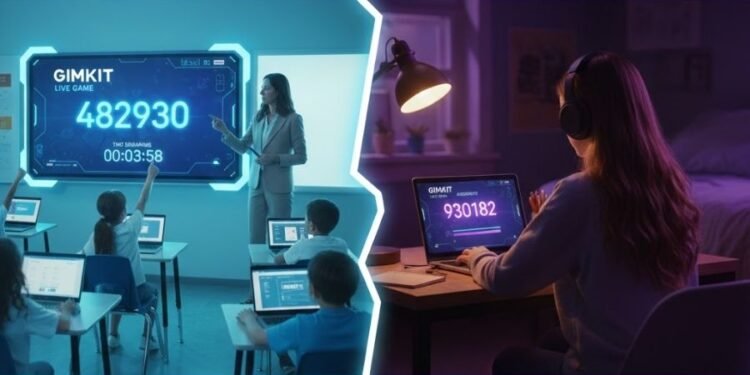
In the world of interactive learning, Gimkit codes are the bridge between students and teachers. They allow instant access to live sessions, transforming ordinary lessons into competitive, game based experiences. Whether you are joining from a classroom or logging in remotely, the right Gimkit password ensures you are part of the action.
What Exactly Is a Gimkit Code?
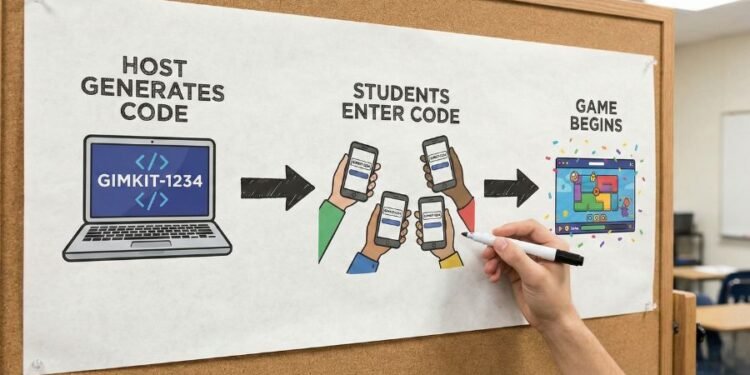
A Gimkit game code is a unique identifier generated when a teacher or host starts a session. Students enter this code on the Gimkit platform to join instantly, essentially a digital pass. Without it, you are left outside the game. Every code is temporary and tied to a specific session, which makes accuracy and timing essential.
How to Find Gimkit Codes to Join
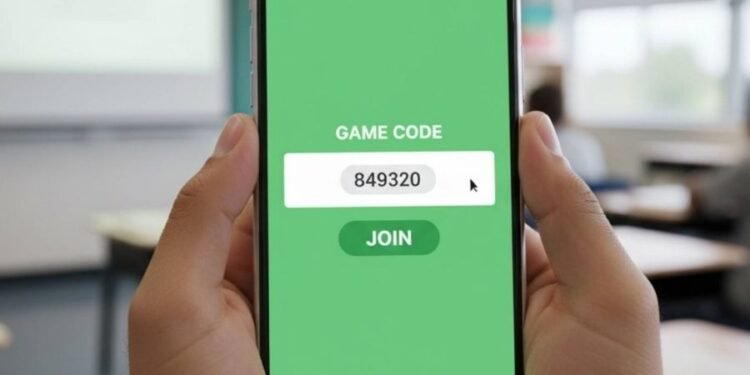
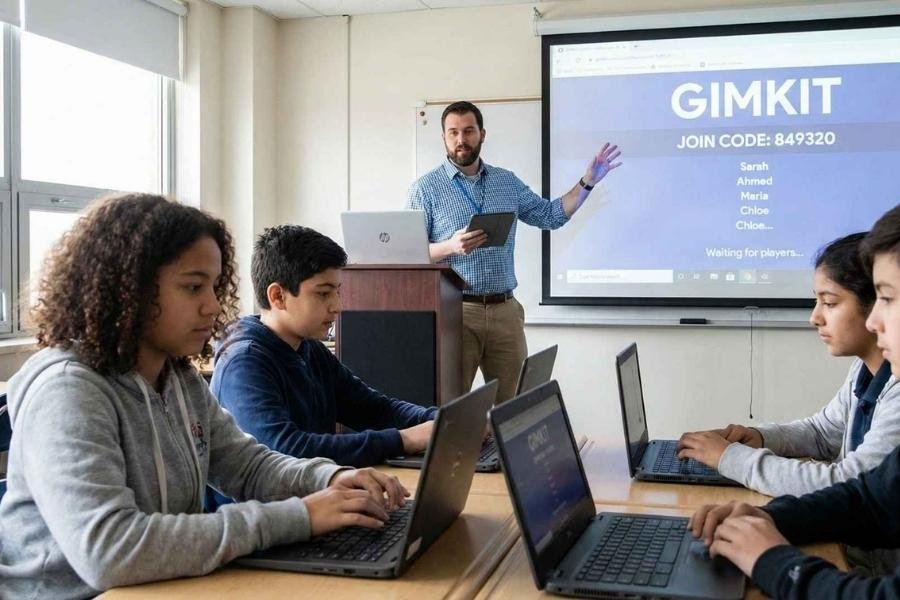
Usually, Gimkit codes are shared directly by the teacher. They might display it on a projector, share it in a class chat, or email it to students. For wider or public games, communities sometimes post live Gimkit codes online, allowing anyone to jump in. The key? Act quickly once the session ends, the code expires.
Live Gimkit Codes Why Timing Matters
Live Gimkit codes are generated in real time, and they only work while the game is active. Teachers often refresh codes for new rounds, so being alert is important. If you are joining remotely, keep a close eye on your class’s communication channel LMS, group chat, etc. for the code or join link.
Common Problems and Quick Fixes
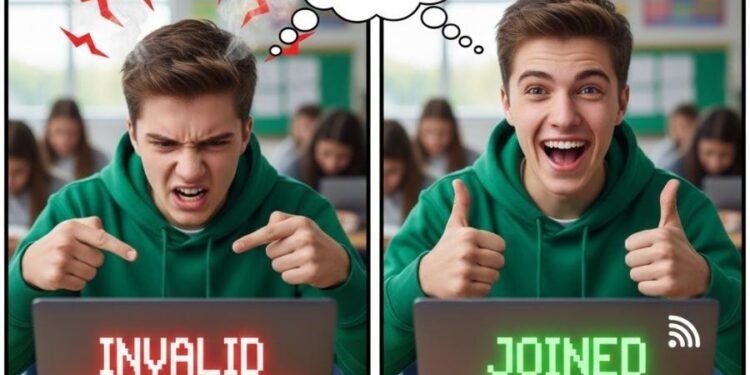
Sometimes, students struggle with broken or expired codes. The usual issues include:
Entering the wrong code
Mistyping characters like confusing O and 0
A poor internet connection
To fix these, just double check the code, confirm with your teacher, and make sure your device is connected properly. Remember each Gimkit code is unique, so even a small typo can block you out.
How Teachers Generate and Use Codes
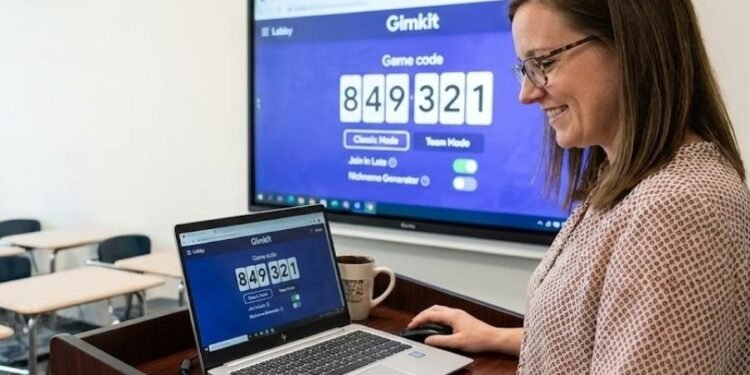
When a teacher hosts a live Gimkit game, they first select a kit (a quiz), then choose a game mode (Classic, Team Mode, or others), and configure game options like whether to allow late joiners or use the Nickname Generator.
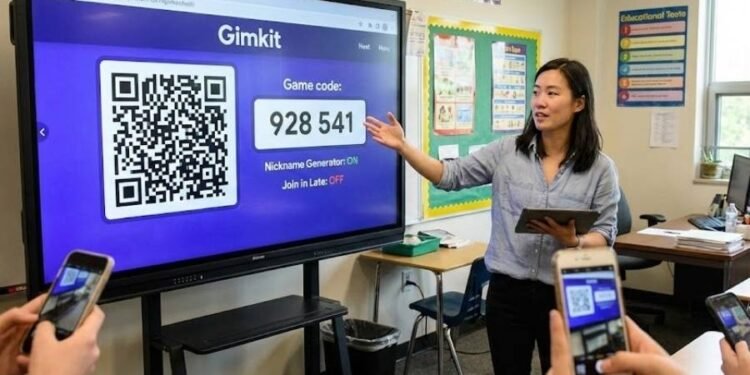
Once settings are ready, Gimkit generates a unique game code which appears in the lobby. Teachers can share this code, a join link, or even a QR code to make it easier for students to hop in.
They can also toggle Join in Late on or off depending on how strict they want to be.
Read Also: Isotonix Lawsuit Explained: Legal Issues FDA Warnings
Live Codes vs. Assignment Codes
It is important to understand that not all Gimkit codes are for live games. There are two main types:
Live game codes, These are for real time, synchronous sessions. They expire when the session ends or is restarted.
Assignment codes or kit codes, These let students complete the quiz on their own time. Teachers set a time window (or a due date), and students can join using the code or link when it’s active.
Depending on the teacher’s intention whether it is a class competition or homework style review they will choose the appropriate code type.
Best Practices for Sharing and Managing Codes
To maintain a safe and fair game environment, teachers should:
- Use trusted sharing methods: Share the code or link via class chat, LMS, or on a screen avoid public forums.
- Enable Nickname Generator: This avoids inappropriate or disruptive names.
- Use QR codes for convenience: Hovering over the game code in the host’s lobby brings up a QR code, which lets students scan to join.
- Control late joining: If you do not want students joining after the game starts, turn off Join in Late in the game options.
- Consider Instant Join: If you are using Gimkit Classes, students can join without typing a code they just visit gimkit.com/play if they are logged in.
Why Gimkit Codes Transform Learning

Beyond the technical details, Gimkit codes represent a shift in how we learn. They make education interactive, competitive, and fun. Instead of passive note taking, students actively join a session, answer questions, and earn rewards. This gamified format boosts engagement and motivation. On the teacher’s side, Gimkit provides real time insights into student performance, helping identify who might need extra help, where misconceptions lie, and which questions are most challenging.
Conclusion
Gimkit codes are more than just strings of characters, they are powerful tools that unlock interactive learning. Whether you are looking for a live game code, entering a session, or managing how codes are shared, having a solid understanding of how they work makes all the difference. By following the best practices and being aware of the different code types, both students and teachers can make the most out of Gimkit turning ordinary lessons into dynamic, fun, and educational experiences.
Read Also: ETSGamevent by eTrueSports: The Ultimate eSports Experience in 2025
Frequently Asked Questions (FAQs)
How does a teacher generate a Gimkit game code?
A teacher logs into their Gimkit dashboard, chooses or creates a quiz called a kit, selects a game mode, and configures settings like whether students can join late. When they click Play Live, Gimkit automatically generates a unique code for that session.
What’s the difference between a live game code and an assignment code?
Live game code: Valid only for a live, real time session. Expires when the game ends.
Assignment code: Used for asynchronous play. Teachers assign a kit with a join link or code, and students can complete it on their own time while it is active.
How can teachers make sure only the right students join the game?
Teachers can disable late joining so students can only join before the game starts. They can also use the nickname generator to prevent students from entering inappropriate or anonymous names.
Is it safe to share Gimkit codes publicly?
It is safer to share codes through trusted channels such as class chats, emails, or a learning management system. Posting codes publicly can allow unauthorized users to join, which might disrupt the game.
Can students join without typing a code?
Yes, if the teacher shares a direct link which includes the code, students can click it instead of typing. Gimkit also supports QR codes for join links, making access smoother via mobile devices.